How to extract: bring the ship and your character home
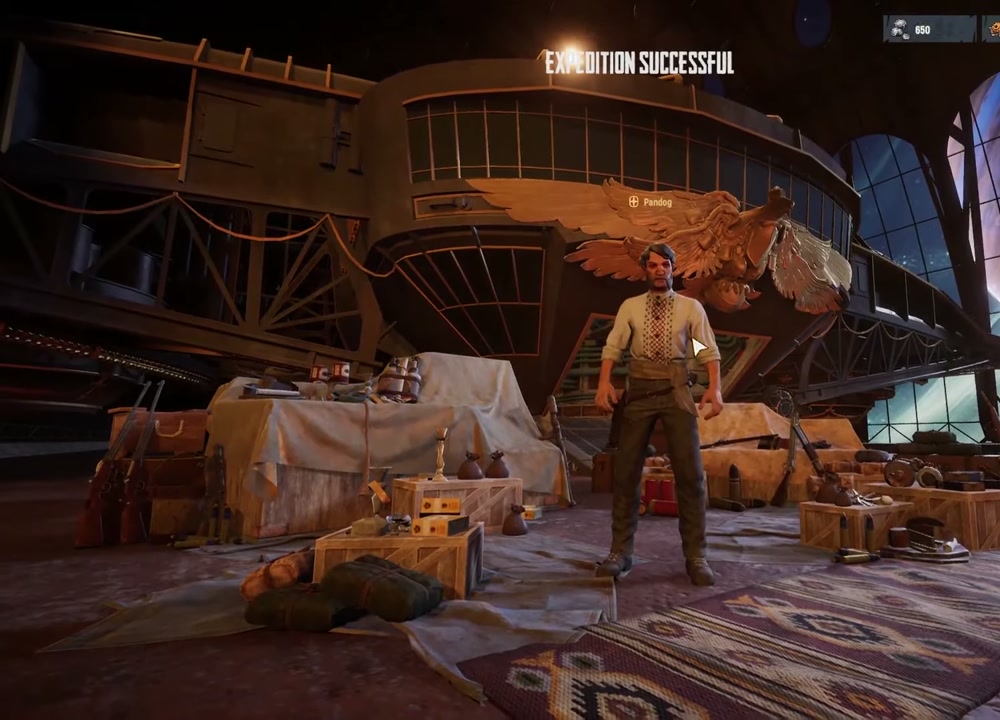
A successful expedition has two separate outcomes: the Trampler can make it out with its cargo, but your character still has to leave the ship and take the extraction rope.
Correct as of Update #6 · 2026-08-03
This walkthrough is based on an authorized creator video. The steps below describe what is visible in the recording; timings and interruption rules may change with updates.
Drawn from attributed player reports or authorized community footage. This is experience-level evidence, not a confirmed fact about every build.
Extraction checklist
- Bring your Trampler into a marked extraction area.
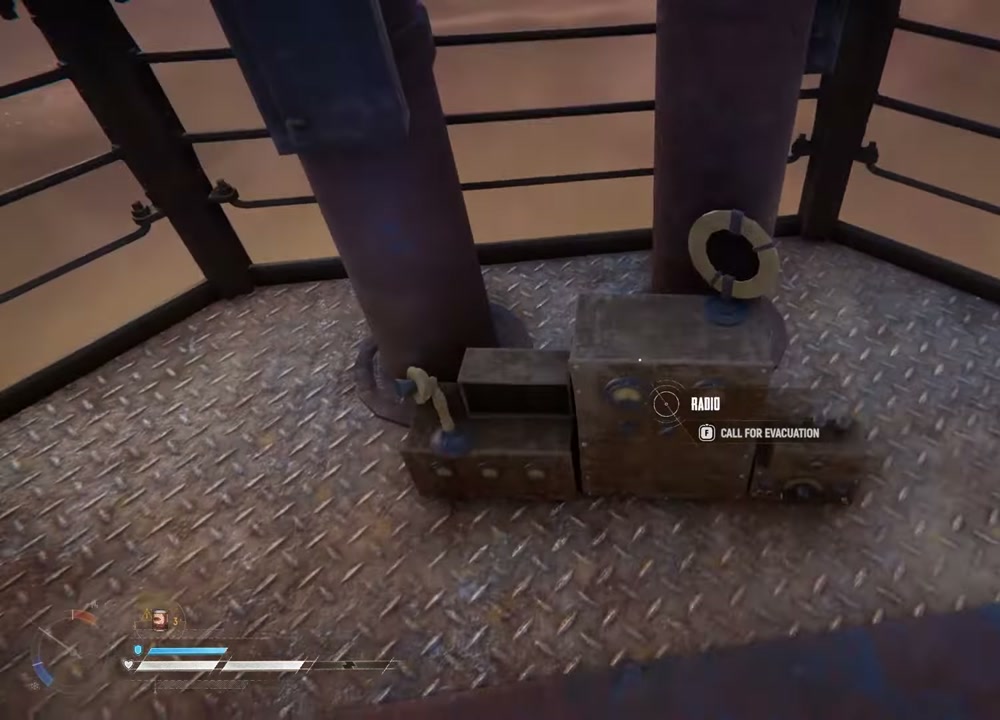
- Climb the extraction tower and use the radio.
- Stay alert while the dropship arrives and the ship calibrates.
- Once the ship is secured, leave the Trampler and grab the extraction rope.
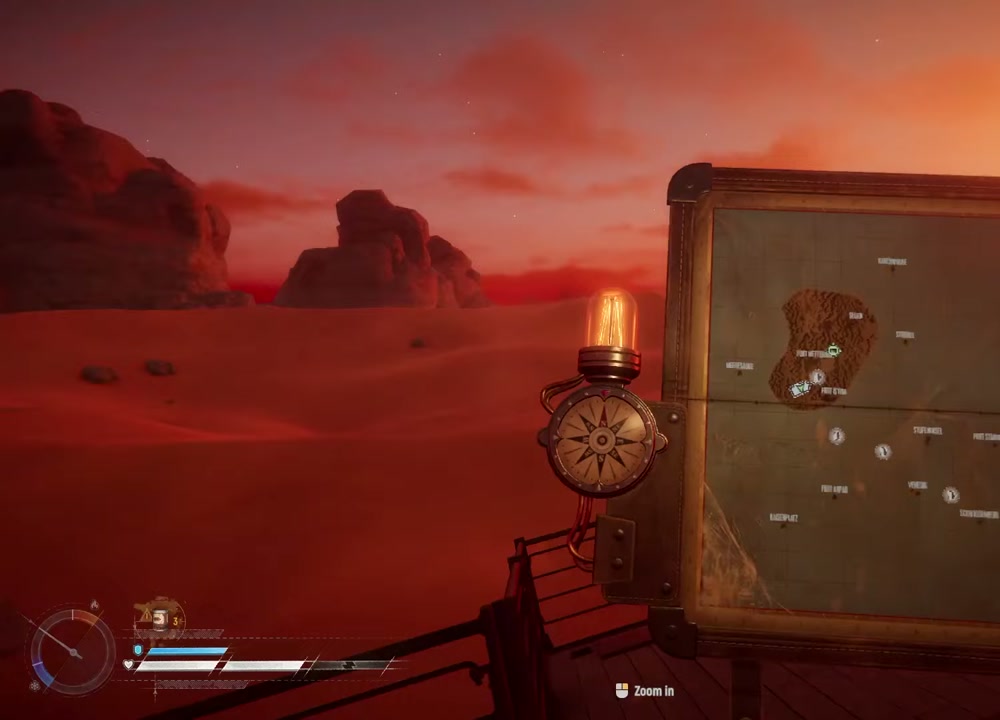
Calling the extraction
The video shows the player using the radio at the top of the tower. The interface then moves into a ship-arrival and calibration phase. Treat the site as contested: check the horizon before committing and keep your weapons ready.
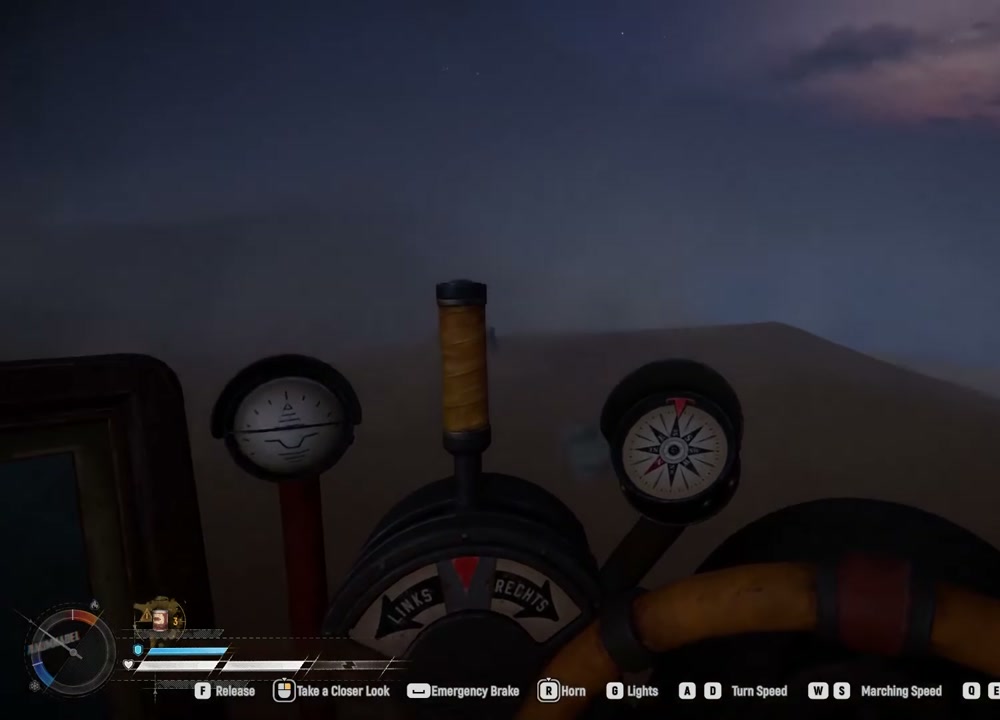
The mistake that explains “my ship extracted, but I lost my gear”
The creator reports that ship cargo and character extraction are separate. If you stay on the hull as it leaves, the ship may return while your character and equipped gear do not. Get off and take the rope before the final lift.
Drawn from attributed player reports or authorized community footage. This is experience-level evidence, not a confirmed fact about every build.
Before you press the radio
- Put every valuable crate on a ship rack or shelf.
- Confirm you have a weapon, ammunition and a way to reach the tower.
- Scan the approach for another Trampler.
- After the ship arrives, leave the hull and take the rope.
This is a community-video report, not a first-party timing reference. Do not treat any countdown shown in one recording as a permanent rule.